 Redline
Notes, backgrounds, and generated tables
An annotation is free-standing text. With nothing selected, create one in Inspector, then set its text, size, background, and border.
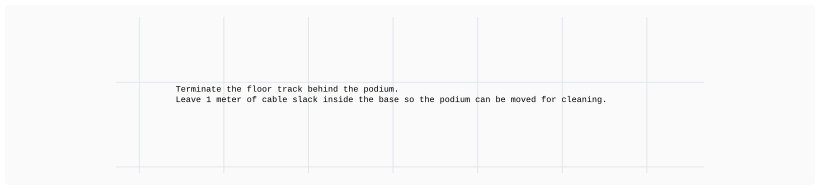
You can remove the background of the annotation by setting the background color's alpha to 0.
Backgrounds are visual grouping
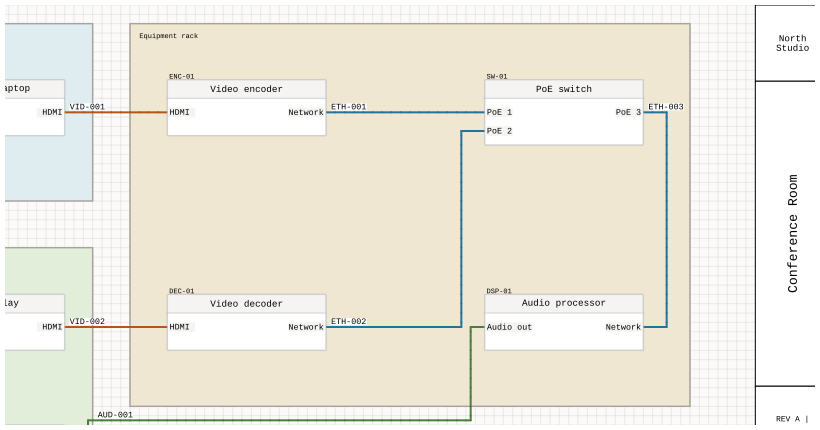
A background can help break up a large page into smaller sections. It is rendered behind the rest of the drawing, including nodes and images.
Generated project tables
An annotation can also display a live table of page information, device views, or cables. The table follows changes to the project instead of keeping a pasted copy of its rows. See Generated project tables for the sources, frame sizing, and continuing a table across sheets.