Redline

文字註解、繪製背景物件及生成的表格

註解是一個獨立的文字物件。在未選取任何內容的情況下,使用建立控制項建立一個新的註解。面板 Inspector 提供這些控制選項。建立註解後,請設定其文字、大小、背景及邊框。
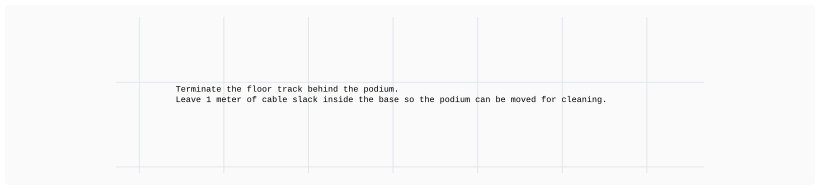
The project annotation says to terminate the floor track behind the podium and leave one meter of cable slack inside the base so the podium can be moved for cleaning.

您可以將註解背景色的透明度 (alpha) 設為 0,以移除註解的可見背景。

背景是視覺分組

背景可用於將大型頁面劃分為較小的區段。它會顯示在繪圖的其他部分(包括節點和圖像)之後。
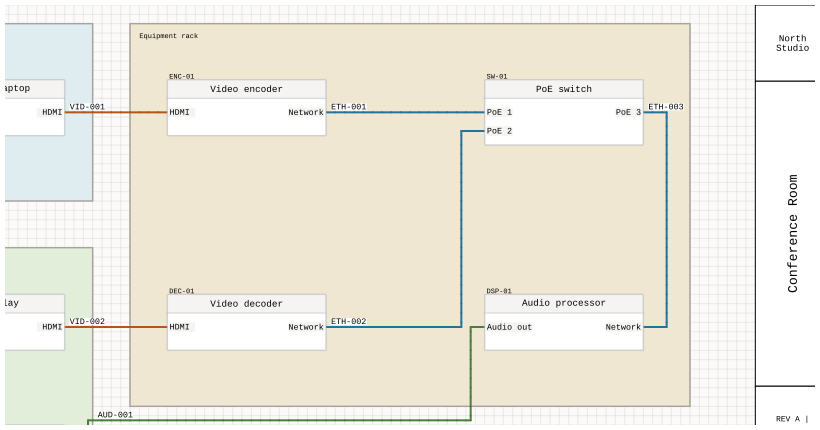
An Equipment rack background groups the video encoder, PoE switch, video decoder, and audio processor without changing their connections.

生成的專案表格

註解亦可顯示包含頁面資訊、裝置視圖或纜線的動態表格。該表格會隨專案變更而更新,而非保留其行資料的複製副本。請參閱 自動生成的專案表格 關於資料來源、框架尺寸設定,以及跨工作表延續表格。