 Redline
The cable schedule writes itself
Draw your IT or AV system once. Redline routes and numbers the cables, and keeps the equipment lists and cable schedules up to date every time the drawing changes.
Free to draw and export. No account, no install.
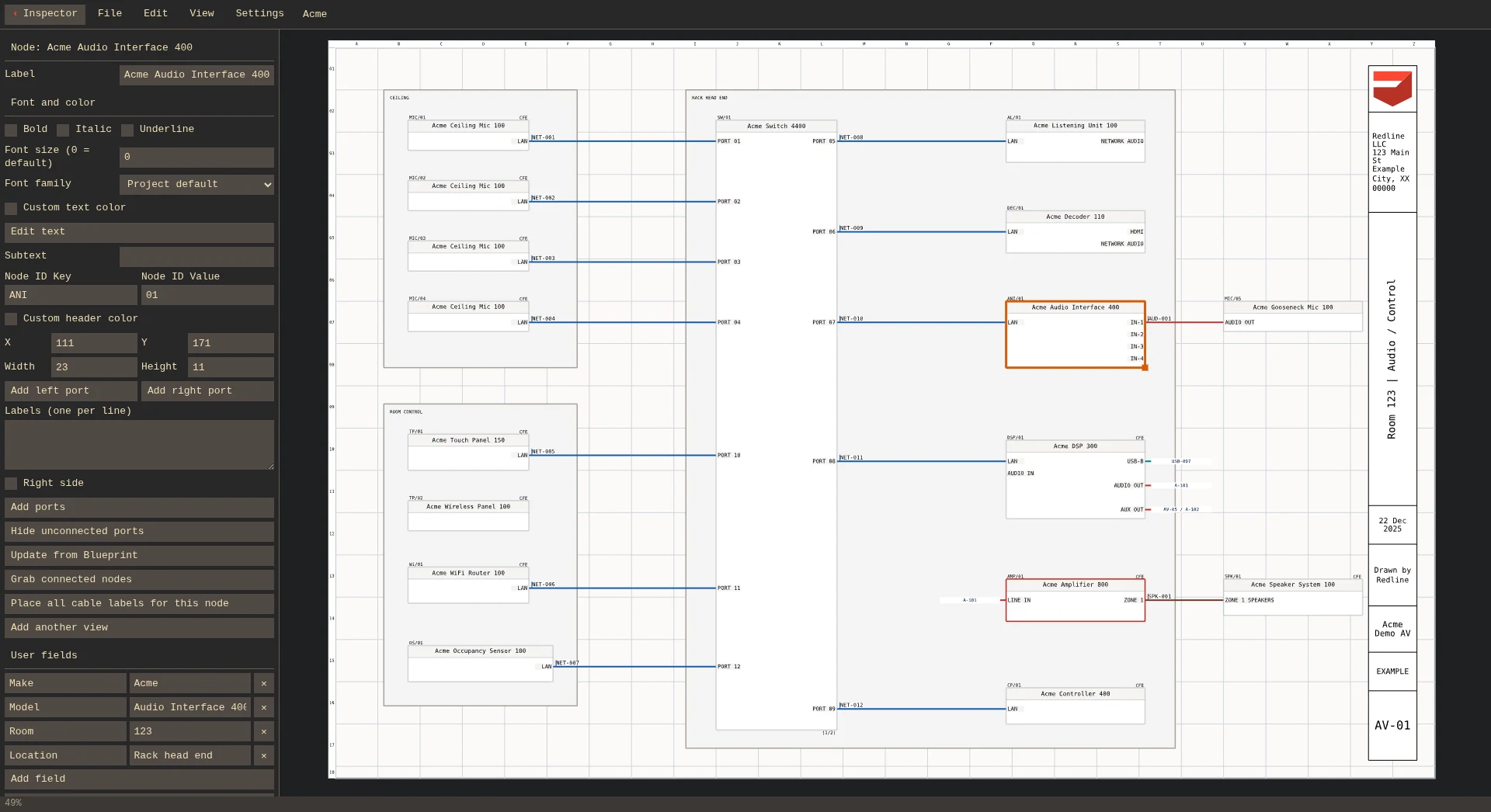
Generate equipment lists and cable schedules
Choose the equipment, cables, and fields to include. Tables update from your drawing.
看看它是如何運作的 →Manage reusable designs and drawing revisions
Reuse connected equipment assemblies
Save equipment and its connections together, then place a copy in another design.
看看它是如何運作的 →Keep device information consistent across sheets
Edit a device’s information once to update its other appearances.
看看它是如何運作的 →Show cable connections across sheets
Paired flags identify the connected ports without a continuous cable route.
看看它是如何運作的 →Review changes between drawing versions
Compare against a saved drawing to review additions, removals, and edits.
看看它是如何運作的 →Free to start. Subscribe when you need your files.
Free in your browser
- Draw and edit without an account
- Export PDF and SVG
- Drawings stay saved in your browser
With a license
- Download editable project files
- Keep drawings in your account on every device
- Share view-only links
- Desktop app for Windows and Linux, online or offline
Bring your own agent
Connect your agent through MCP to build drawings and ask questions about your project.
Recorded with OpenCode and GPT-6.1 Sol, edited for length.
Your first drawing is one click away
Free to draw and export. No account, no install.
Prefer a desktop app? Redline also runs on Windows and Linux.