 Redline
Flags on edges
Flags replace a long route with paired callouts and short leads. The ports remain connected. A flag can identify the remote device and port or show the cable ID, depending on its presentation.
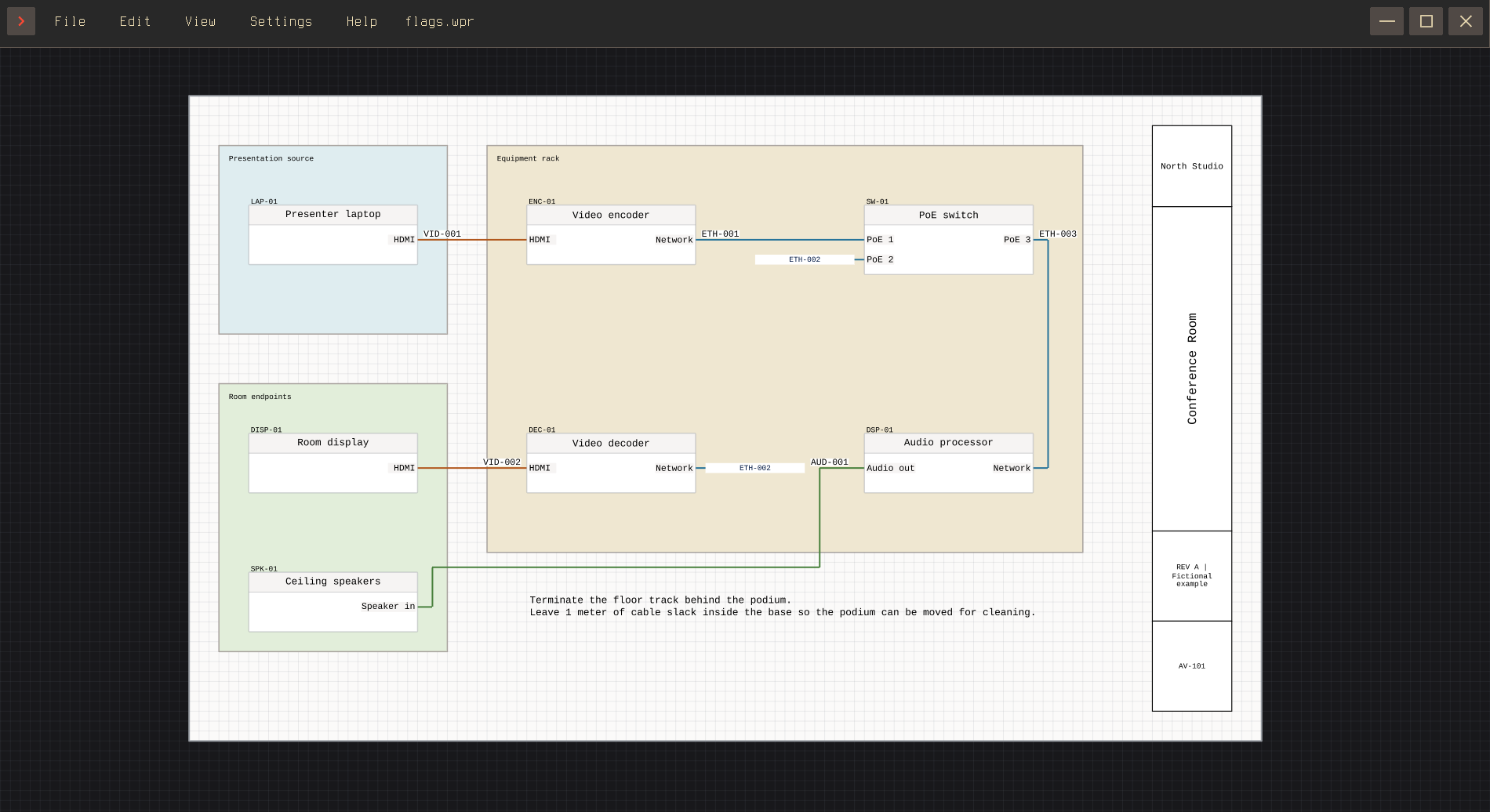
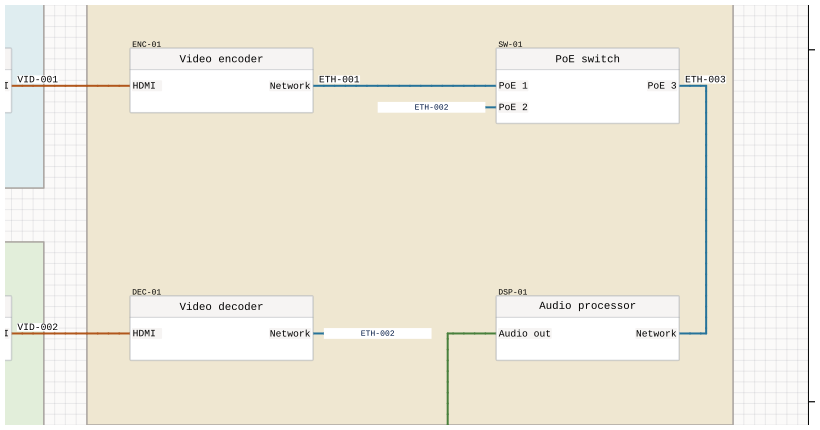
Select a connection and press Add flags in Inspector. Select either flag to change its position, size, or shape. Make normal edge removes both flags and restores a continuous route. These changes leave the same ports connected.
Choosing the flag text
Open Label placement and expand the connection under Edges with Flags. Source and Destination each have a Template field. Under Endpoint, enable Include to show the cable ID with the remote device ID and port label; disable it to show only the cable ID. These choices replace that flag's template.
See Cable labels and appearance for label placement and colors, or Summary: Edge for cable numbering.